
a few notes that stay.
everything else peels away.
write on your phone, peel it off on your desktop. free on every device.
free on iPhone, iPad, Mac, Windows & Android · no account needed to start
What is noglow?
noglow is a titleless scratchpad for iPhone, iPad, Mac, Windows, and Android. eight slots, a blank line, and a place to peel notes off when you're done. the same note follows you from phone to laptop. it's the cross-platform answer to Tot, and unlike Tot on iOS, it's free. it is not a notes app, and it does not do markdown. that's the point.
the glow we removed
- —no titles to invent.
- —no folders to maintain.
- —no tags to forget.
- —no markdown to learn.
- —no notifications.
just eight slots and a blank line.
eight slots. that's the point.
switch with ⌘1 to ⌘8, or one tap in the bottom bar on your phone. the cap is the feature, not a limit you'll hit.
peel it off when you're done.
peel a finished note off and it goes to your archive. nothing is ever deleted, and search reaches all of it.
write here, peel it there.
the same note follows you from phone to laptop. no export, no copy-paste, no iCloud lock-in.
ten quiet themes.
four dark, four light, and two with a paper wash: Daybreak and Legal Pad. nothing loud, nothing glowing.
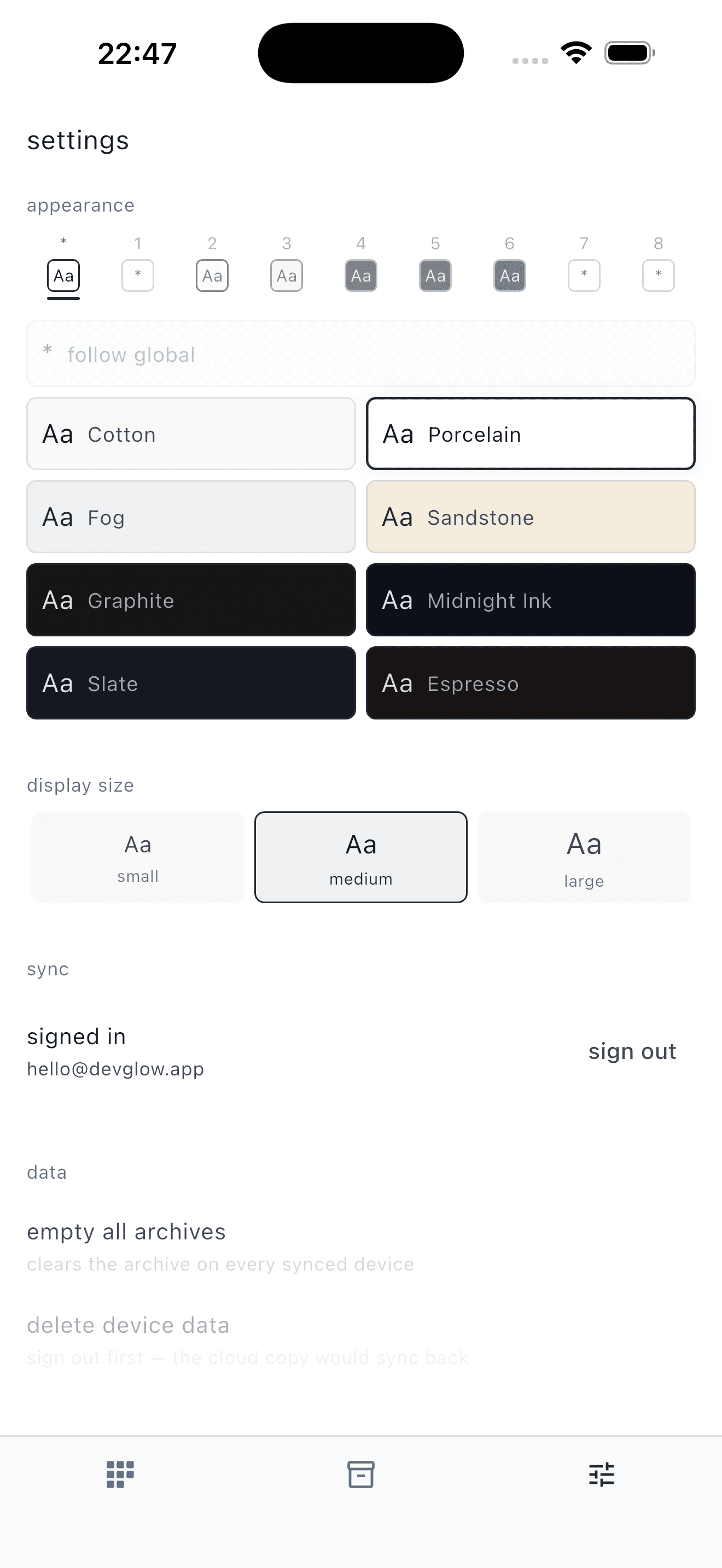
every theme is free, and each slot can pick its own
what goes in the eight.
nothing here is a mode or a feature you turn on. it's a slot with text in it.
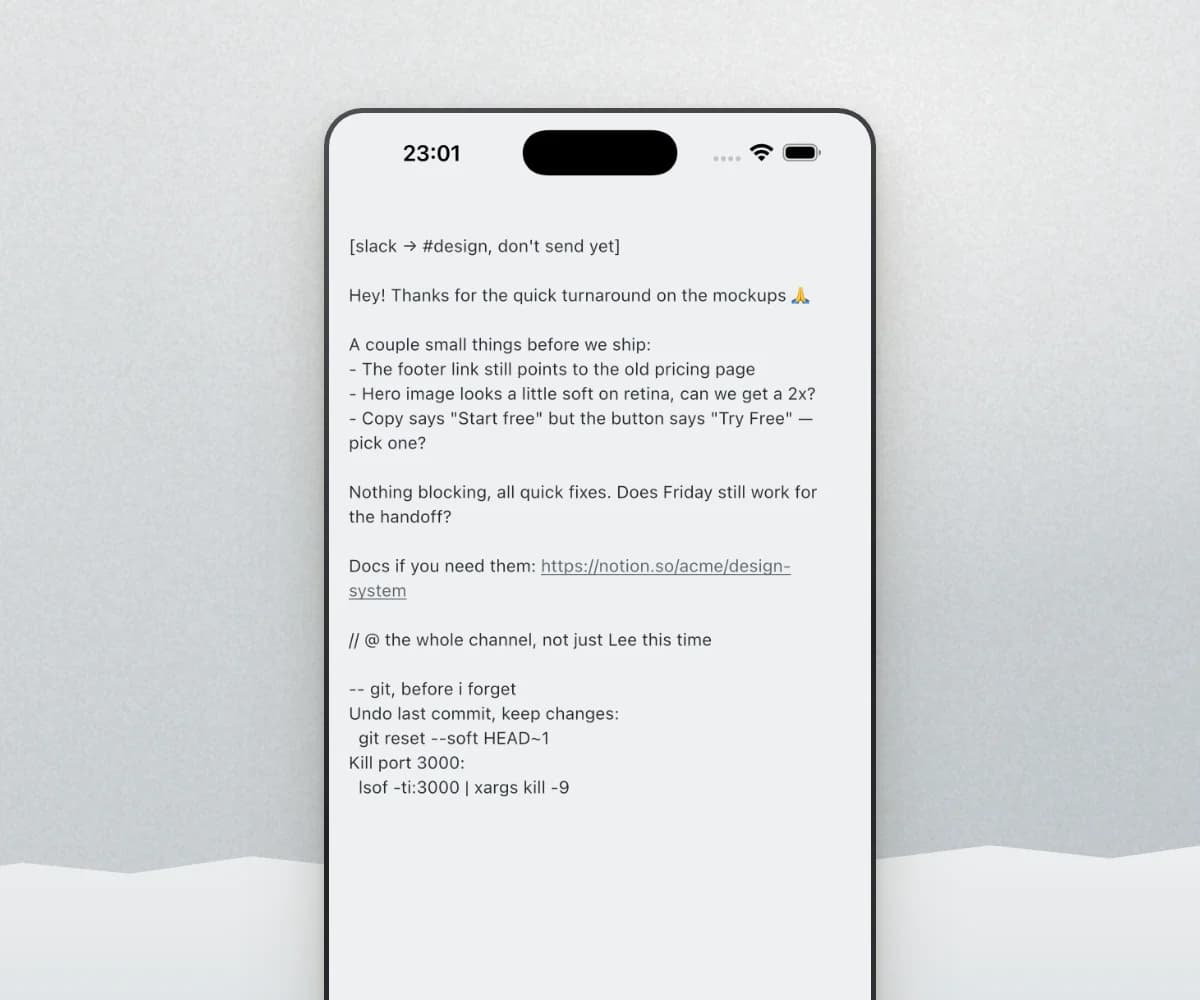
the message before you send it
write it somewhere nobody is watching you type. reread it, cut the part you would regret, then send it.
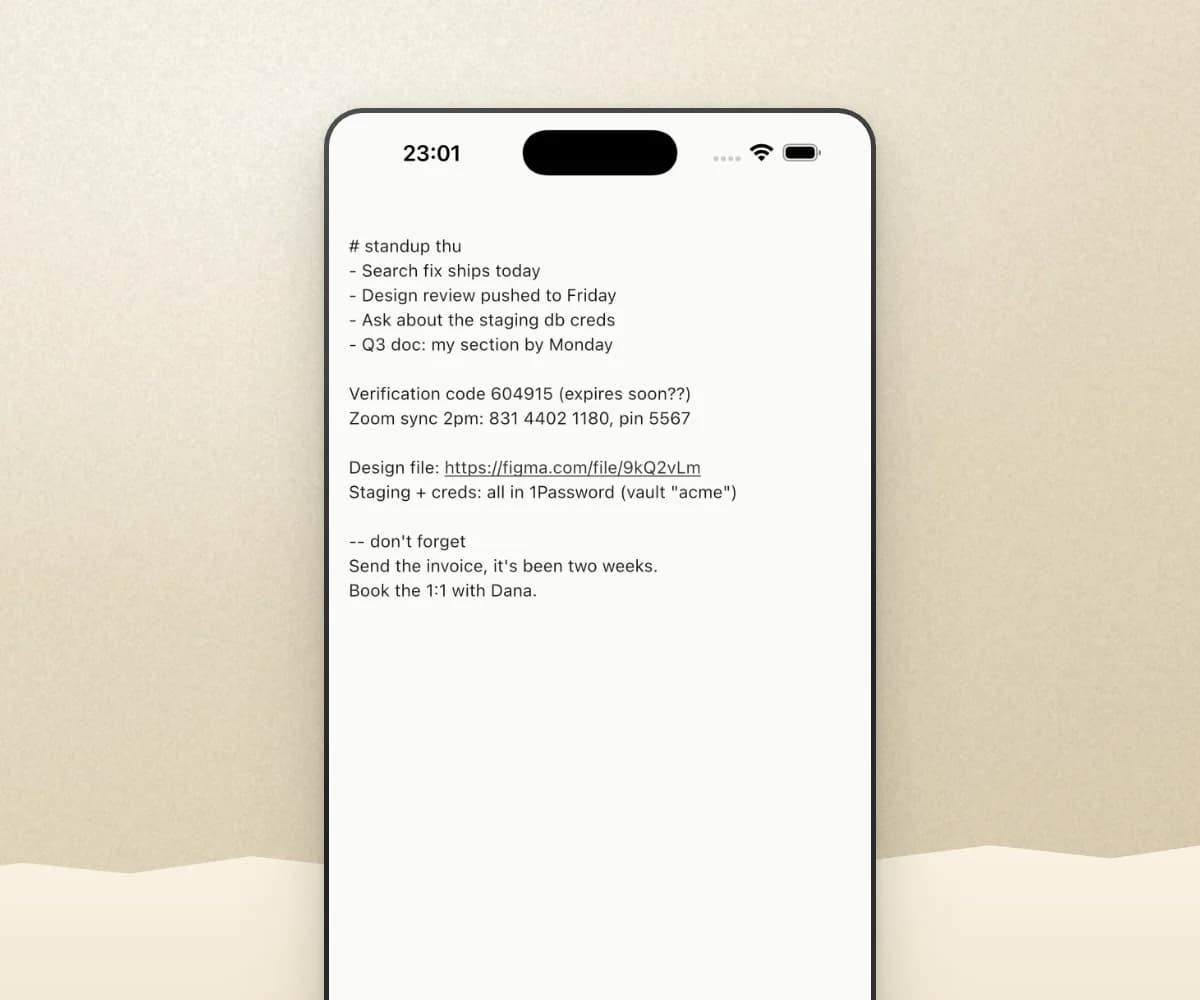
the code, the meeting ID, the door number
things you need for an hour and never again. they do not deserve a note with a title, and here they never get one.
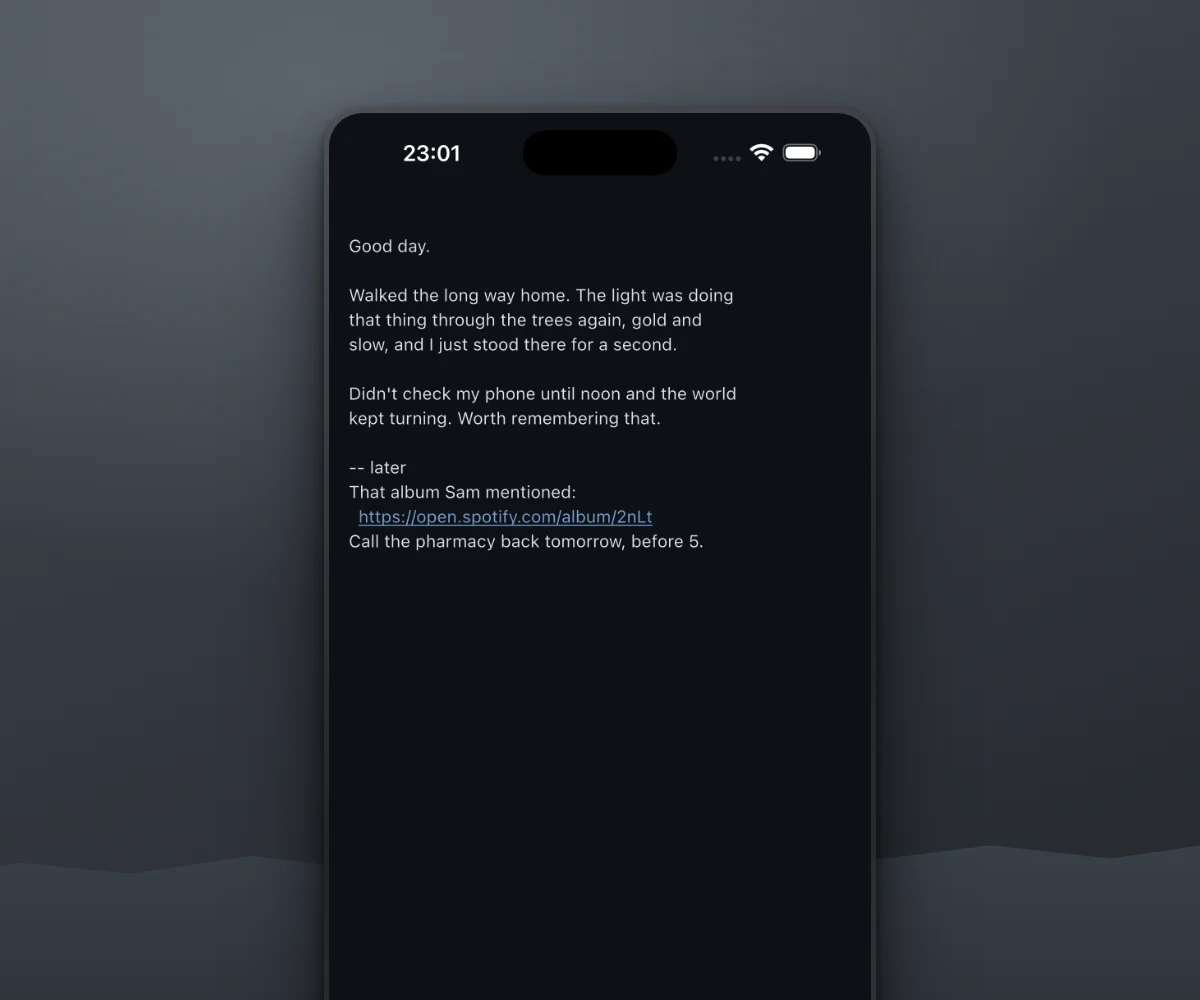
a slot for how the day went
open it when you feel like it. skip a week and it is still there, where you left off.
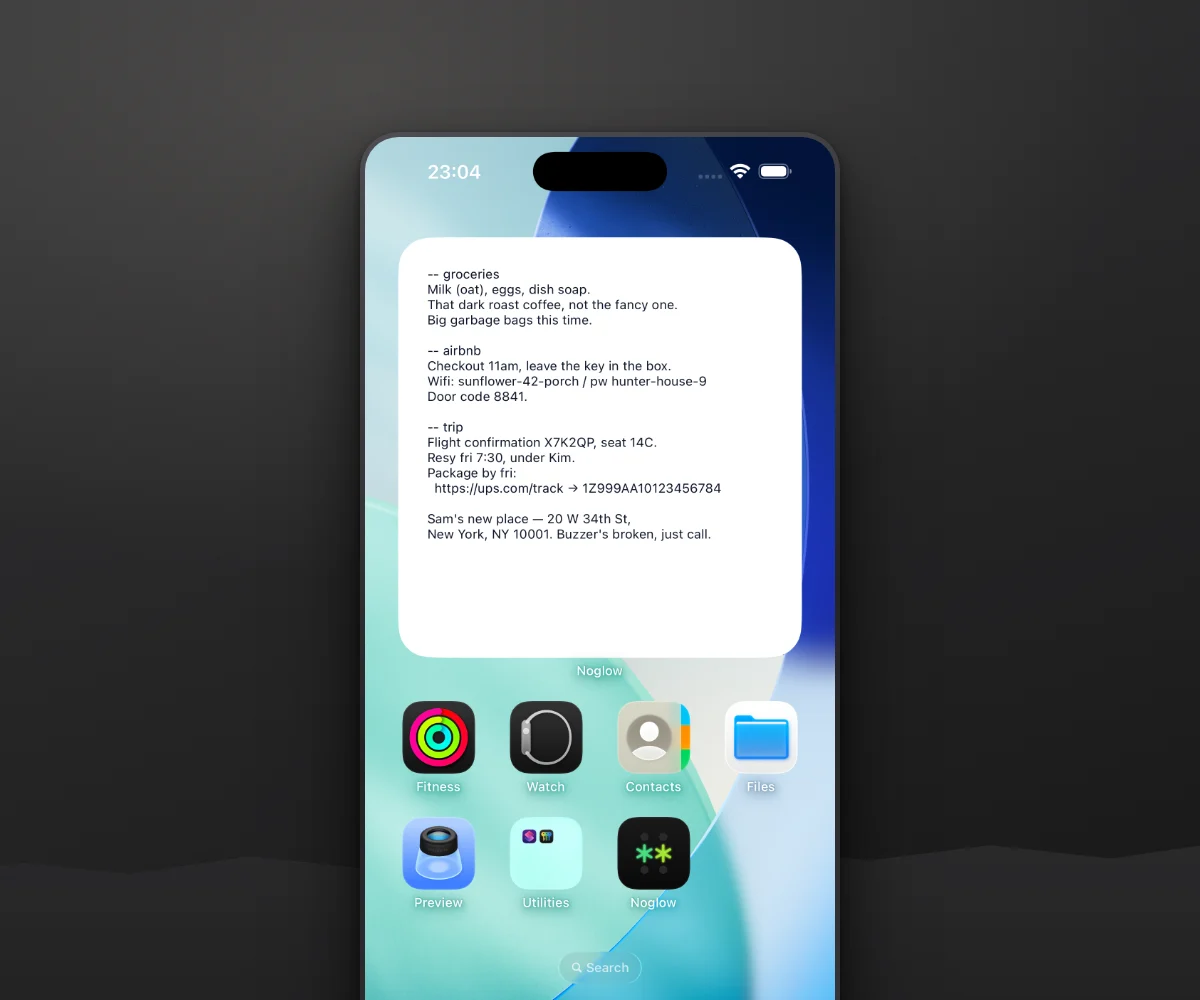
one slot, on your home screen
pin a slot as a widget and read it without opening anything. there is a lock screen version too, one line tall.
free on every device.
Free on iPhone, iPad, Mac, Windows, and Android. The cross-platform Tot alternative that Apple-only apps can't be. Sync included. Tot charges $20 for iOS alone. See how it compares to Tot, Antinote, and FiveNotes.
drop text in from your terminal.
Dragging text out of a terminal mangles its line breaks and spacing. noglow gives your AI coding tool (Claude Code, Cursor, or any MCP-compatible tool) a clean way to send a short snippet straight into a slot, formatting intact. read it, tweak it, paste it on. macOS only, and the snippet lands in the slot you pick under settings → general.
One command to connect:
claude mcp add -s user noglow -- npx -y --prefer-offline noglow-mcp@latestRequires noglow running on the same Mac · works with any MCP-compatible tool
After setup, restart your AI tool (start a new session) for it to take effect.
What people say
common questions
Is noglow free?
Yes. noglow is free on iPhone, iPad, Mac, Windows, and Android. Cross-platform sync is included, with no paid tier and no per-platform charge.
What platforms does noglow run on?
noglow is on the App Store for iPhone and iPad, on Google Play for Android, and on Mac and Windows as a desktop app. The same note syncs across all of them, which makes it the cross-platform Tot alternative that Apple-only apps can't be.
Do the notes stay, or do they disappear?
They stay. Some scratchpads treat notes as temporary and clear them out for you, and they keep everything on one device with no sync. noglow does the opposite: a note stays in its slot until you peel it off, and peeling it off moves it into a searchable archive rather than deleting it. Nothing expires on a timer, and everything syncs across iPhone, Mac, Windows, and Android. See how it compares to Tot, Antinote, and FiveNotes.
What makes noglow different from a notes app?
noglow has no titles, no folders, no tags, and no markdown. It is a blank line and eight fixed slots, one tap or one keystroke apart. It is built for thinking out loud, and for peeling a note off when you are done with it.
Can I add more slots?
No, and that is on purpose. The fixed set of eight slots is the feature, not a limit you are meant to grow out of. Each slot keeps its place so it stays muscle memory, and anything you finish with peels off into a searchable archive that never fills up.
Is my data encrypted?
Not end-to-end, no. If you never turn on sync, your notes never leave your device. If you do turn it on, they travel over HTTPS and are stored as plaintext on our servers, where we have technical access to them.
The reason is the sign-in. noglow has no passwords, and a password is what an end-to-end encrypted app would use to build a key only you hold. Adding one would mean either a recovery phrase you have to keep safe forever, or losing every note the day you lose your last device. It would also break search across the archive, which is most of what the archive is for.
noglow is a scratchpad, not a vault. Keep anything sensitive somewhere built for it. Full details in the privacy policy.
The MCP server won't connect, or won't pick up the latest version?
The command runs through npx, which caches the server locally. Once in a while that cache holds an older build, so the server can drop mid-session or stay a version behind. Clear it with npx clear-npx-cache, then restart your AI tool (start a new session).
get it on your phone.
noglow is on the App Store and Google Play. free, and it syncs with your desktop.
on Windows or Mac? grab the desktop app (free, same notes.)
Download
free, forever.
macOS 14 (Sonoma) or later (Apple Silicon and Intel) · Windows 10 or later (64-bit).
Also from Glow Suite

